

What is MWNS Online?
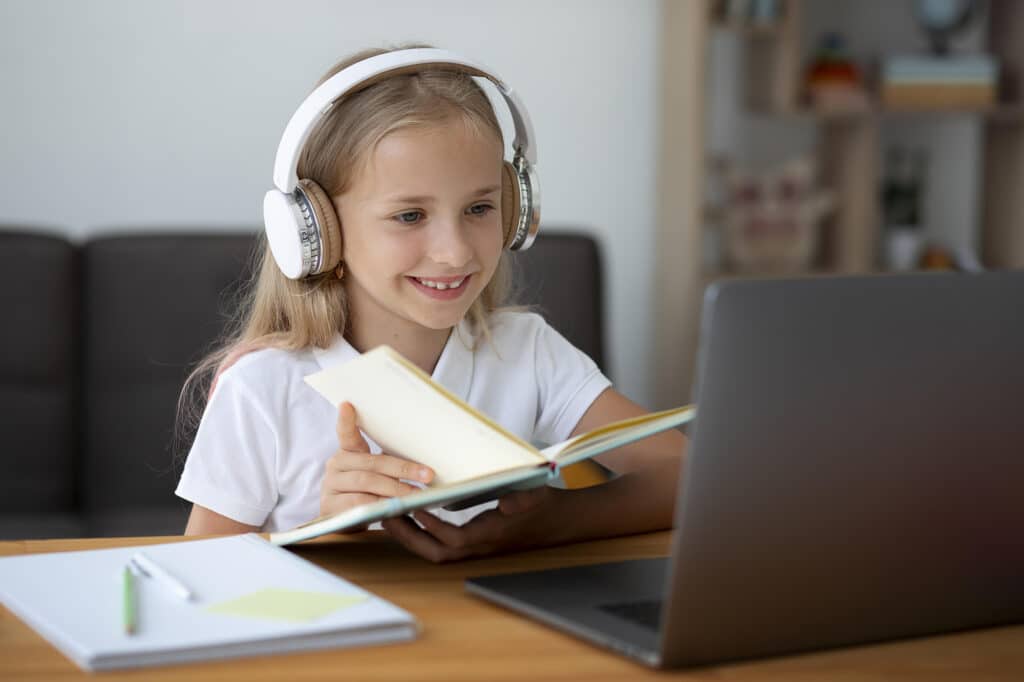
All our lessons are also available online so students can learn from the comfort of their own home. Online lessons are easily accessible from the Student Portal and our teachers use interactive tools and learning resources to ensure our students stay on top of their learning.
MWNS Online is available to all students. Some students may choose to learn online throughout the entire year, others may decide to join online if they are unable to travel to the centre on a particular day or are feeling slightly unwell and prefer to learn from home.
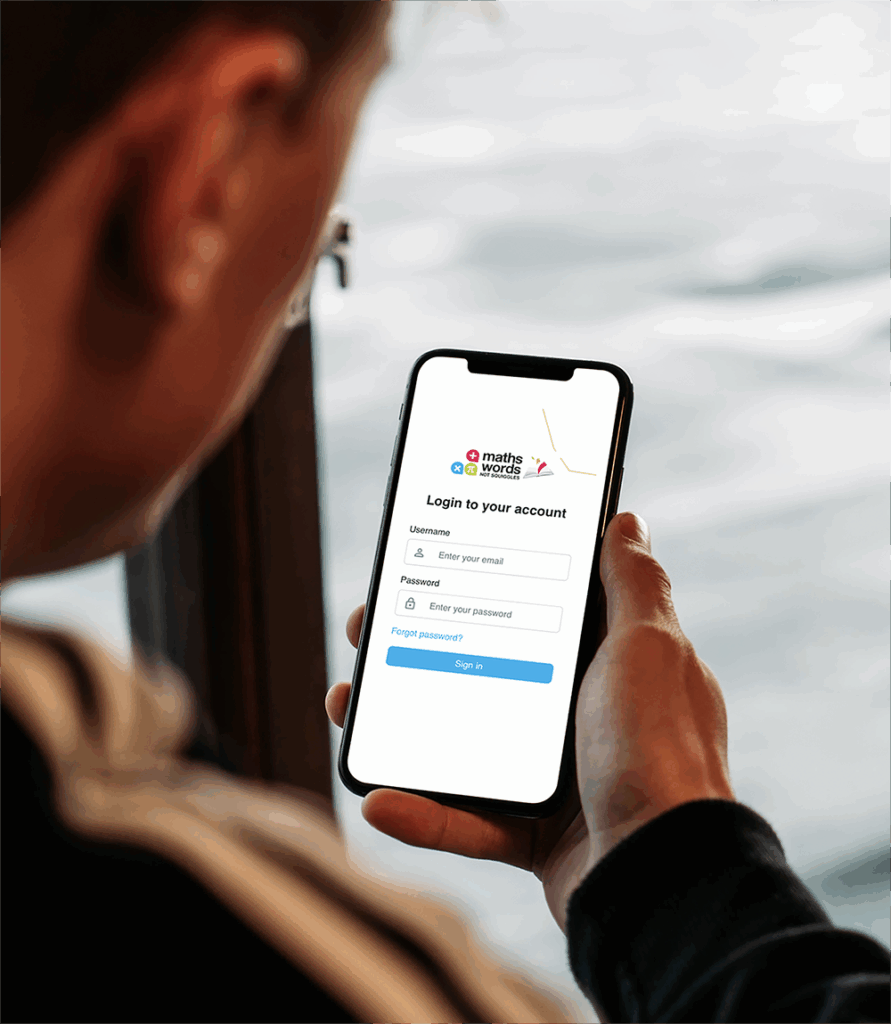
How to Use the MWNS Student Portal
How to Use the
MWNS Student Portal
All Online Lessons are accessible through the Student Portal.
1. Device
Online lessons require a reliable device with strong internet and working audio and video.
2. Portal Link
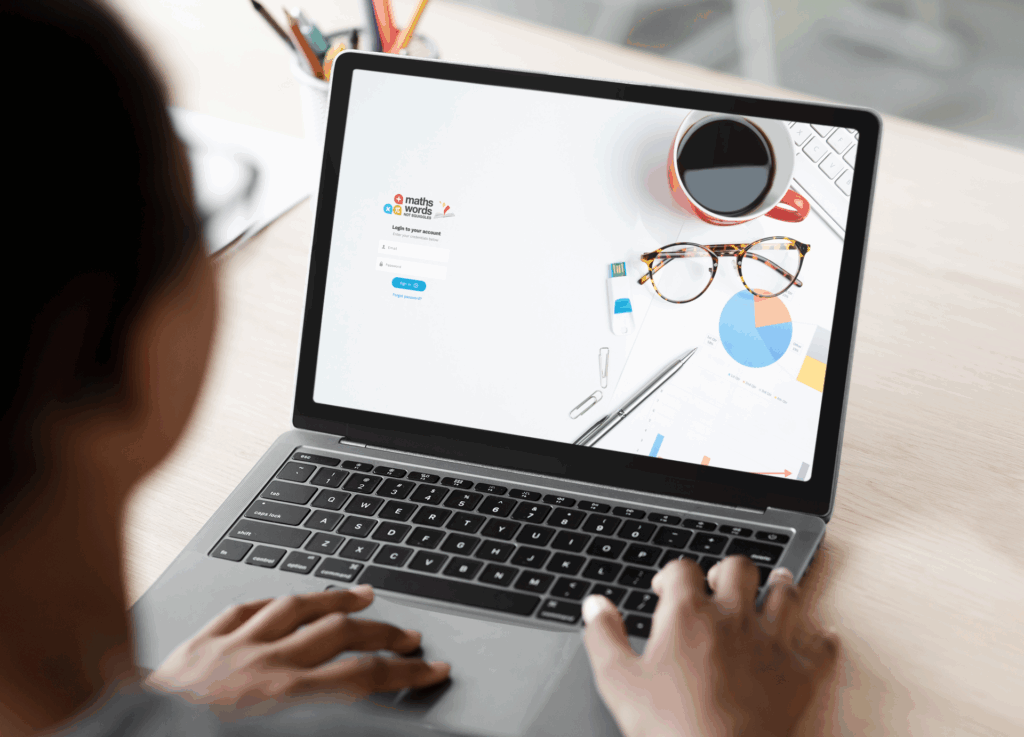
Use the Student Portal Link - stage.mwns.com.au/login - to access the login page.
3. Login
Students can simply log into the MWNS Student Portal using their unique username & password.
4. Click "Join Lesson"
Clicking the “Join Lesson” button on the dashboard will automatically connect students with their tutors.
Important Notes:
- Ensure that audio and video are enabled. This may require students to change the privacy and accessibility settings on their device.
- All online lessons are accessible through the Student Portal Dashboard. A “Join Lesson” button appears 5 minutes before class.
- Lessons run every hour. If a tutor hasn’t joined yet, please wait a few minutes. If they’re still not there after 5 minutes, contact our Admin team.
Upload Documents Feature
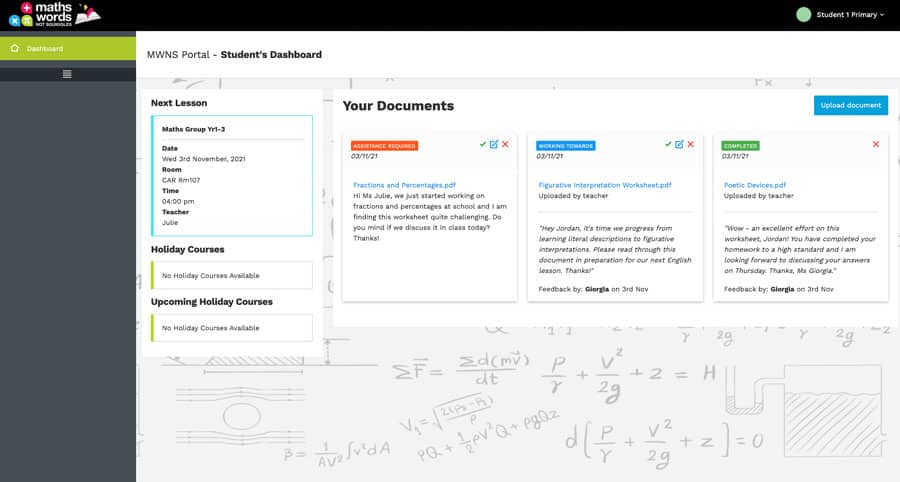
All students and teachers can “Upload Documents” to the Student Portal. Students can share their school work, upload worksheets they require assistance with and share assessment notifications directly with their tutor. Teachers are also able to upload useful resources, feedback, activities and homework tasks for students to access and complete.
Frequently Asked Questions - Student Portal
How is the Student Portal different to the Parent Portal?
The Parent Portal (parent.mwns.com.au) provides parents with access to their child’s lesson evaluations, NSW curriculum progress, class invoices, rescheduling lessons, and more.
The Student Portal (stage.mwns.com.au) allows students to join their online lessons, upload schoolwork they would like help with at tutoring, and view documents uploaded by their tutor.
Can my child swap between in-person and online lessons?
Absolutely! All students are encouraged to attend lessons in person but are also welcome to join online whenever they’re unwell or unable to make it to the centre.
Can I reschedule a lesson?
Of course! Parents may reschedule lessons with 24 hours notice.
I can't share my camera / audio?
You can control your camera and microphone using the icons at the bottom of your screen. A red line across the icon means it’s off, so click the icon to remove the red line and turn it on.
If issues continue, check your device’s privacy or accessibility settings to allow camera and microphone access.
I can’t see my child’s teacher?
If you can’t see your child’s tutor or the portal says the host is in another meeting, they may be finishing the previous lesson. Please wait a couple of minutes as your child’s tutor should appear shortly. If they haven’t joined within 5 minutes, please contact our Admin team for help.
Who can I contact if I need help with online tutoring?
Our Admin team is available to help with online enrolments, answer questions about online lessons, and assist with any technical issues.
They’re also on hand during all online class hours to provide support.