




A Personal Window into
Your Child's
Learning

Manage your child’s enrolment & view real-time progress updates in our Parent Portal.

MWNS Parent Portal - Confidence and Clarity Through the Teen Years

Features of the Parent Portal

Features of the
Parent Portal

Stay connected to your child’s learning journey with real-time updates and easy enrolment management.

Your child’s teacher will write a detailed evaluation after each lesson sharing the content that was covered, how your child performed and homework to be completed for the following week. The MWNS Portal allows you to: 

Welcome to the Parent Portal!

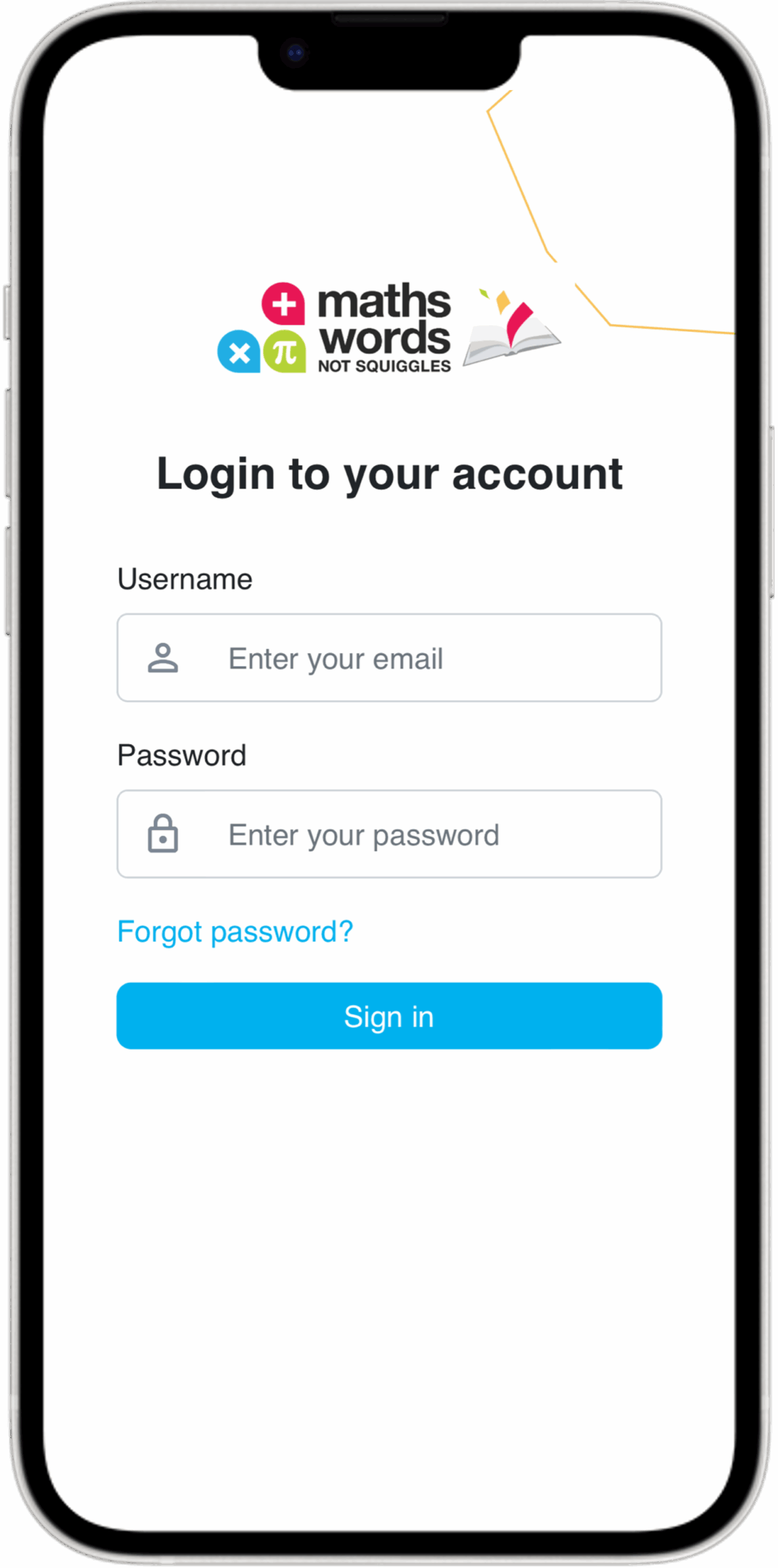
Log In

Log in with your email and password.

Can’t remember them? Click the “Forgot Password” button or contact us.

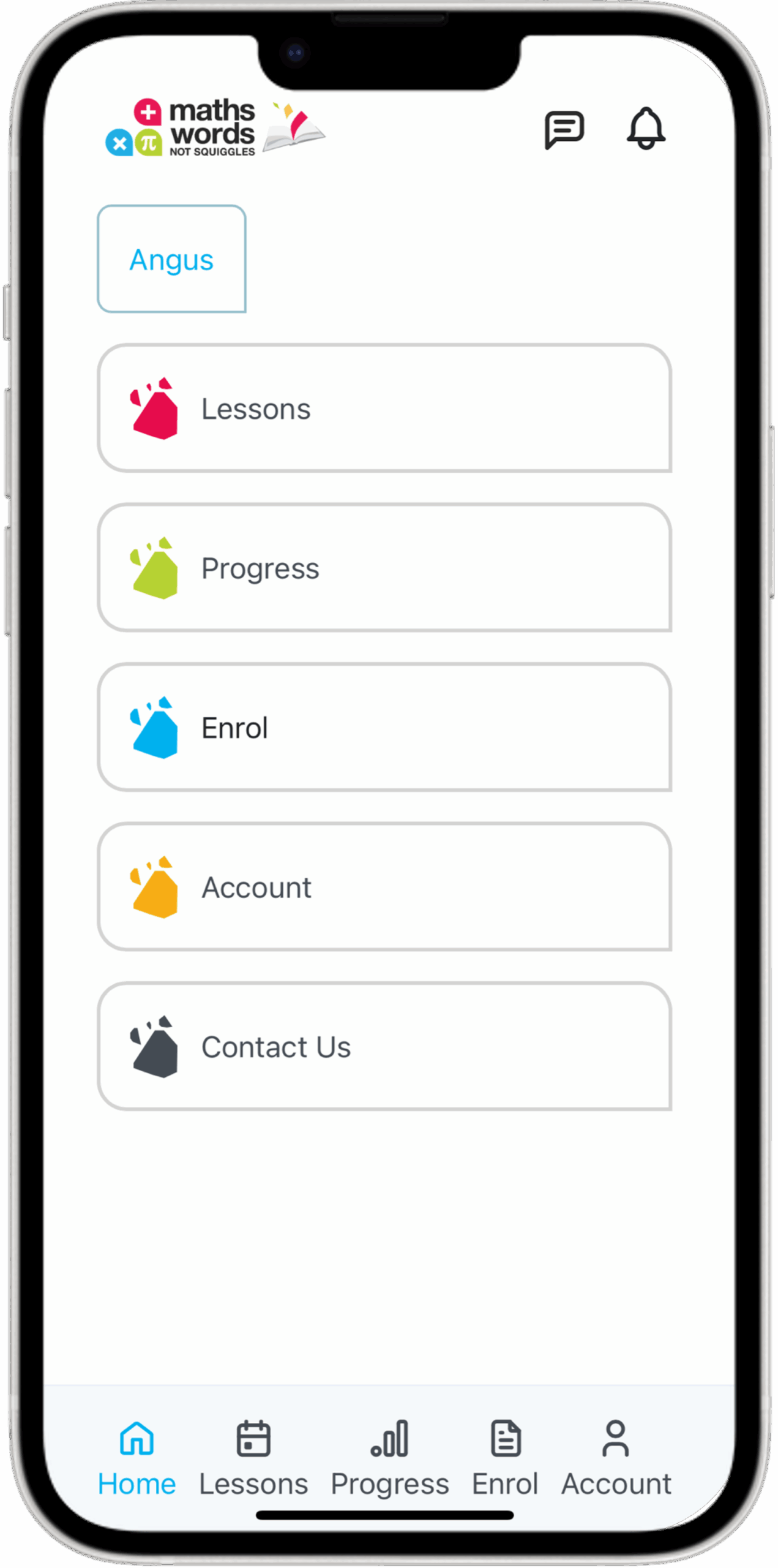
Menu

Enjoy easy access to all the Parent Portal features on the Home page as well as along the bottom of your screen.

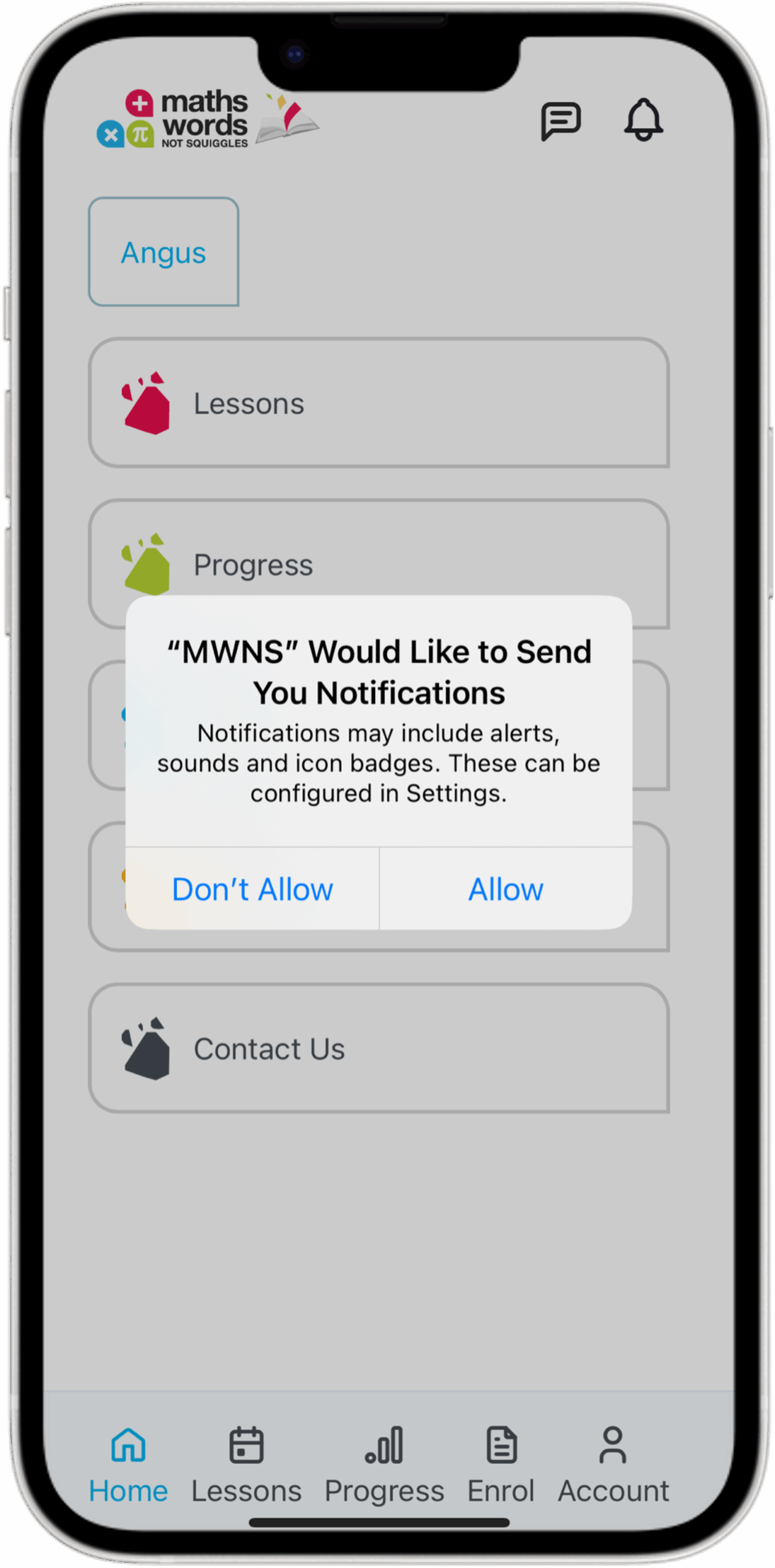
Allow Notifications

Click the bell icon to allow notifications. You will receive notifications about new evaluations, outstanding invoices & messages from MWNS.

Red MWNS Icon

Lessons

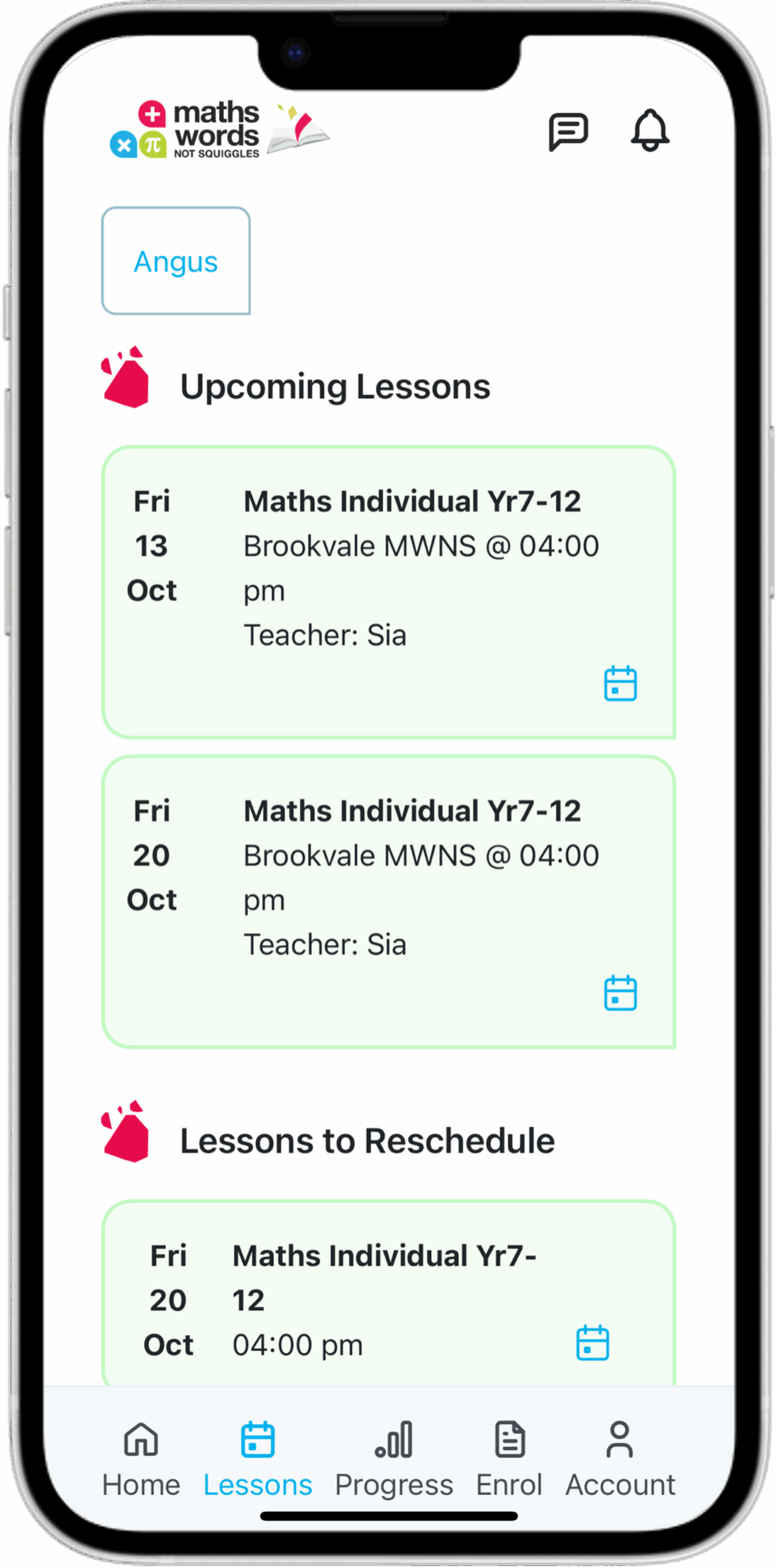
View Lessons

View Upcoming Lessons and important lesson information such as Date, Time & Teacher.

You can also view Lessons to Reschedule.

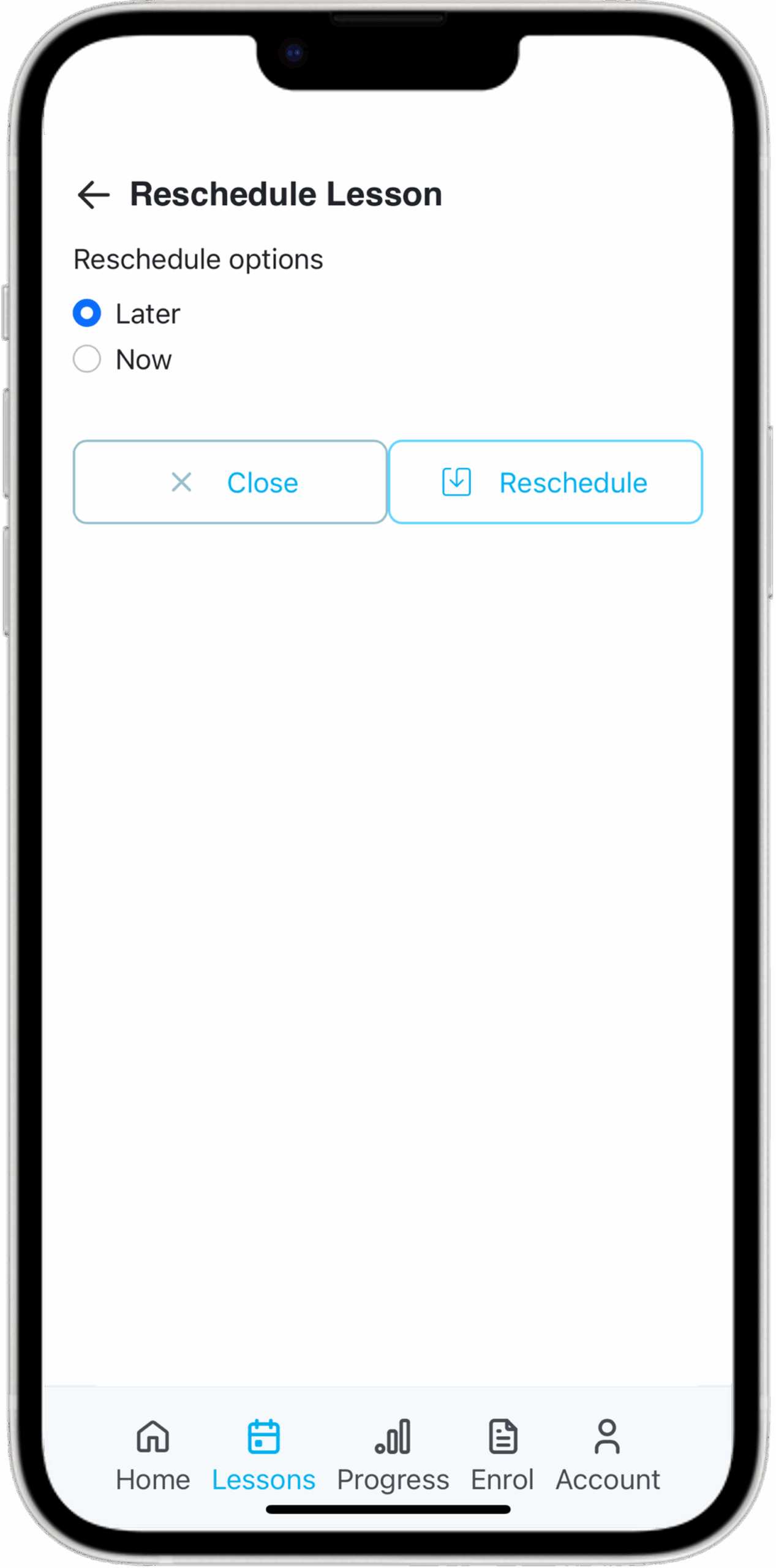
Reschedule Lessons

To reschedule a lesson, click the calendar icon and choose to reschedule now (within 6 days) or later in the term.


MWNS Green Icon

Progress

Evaluations Overview

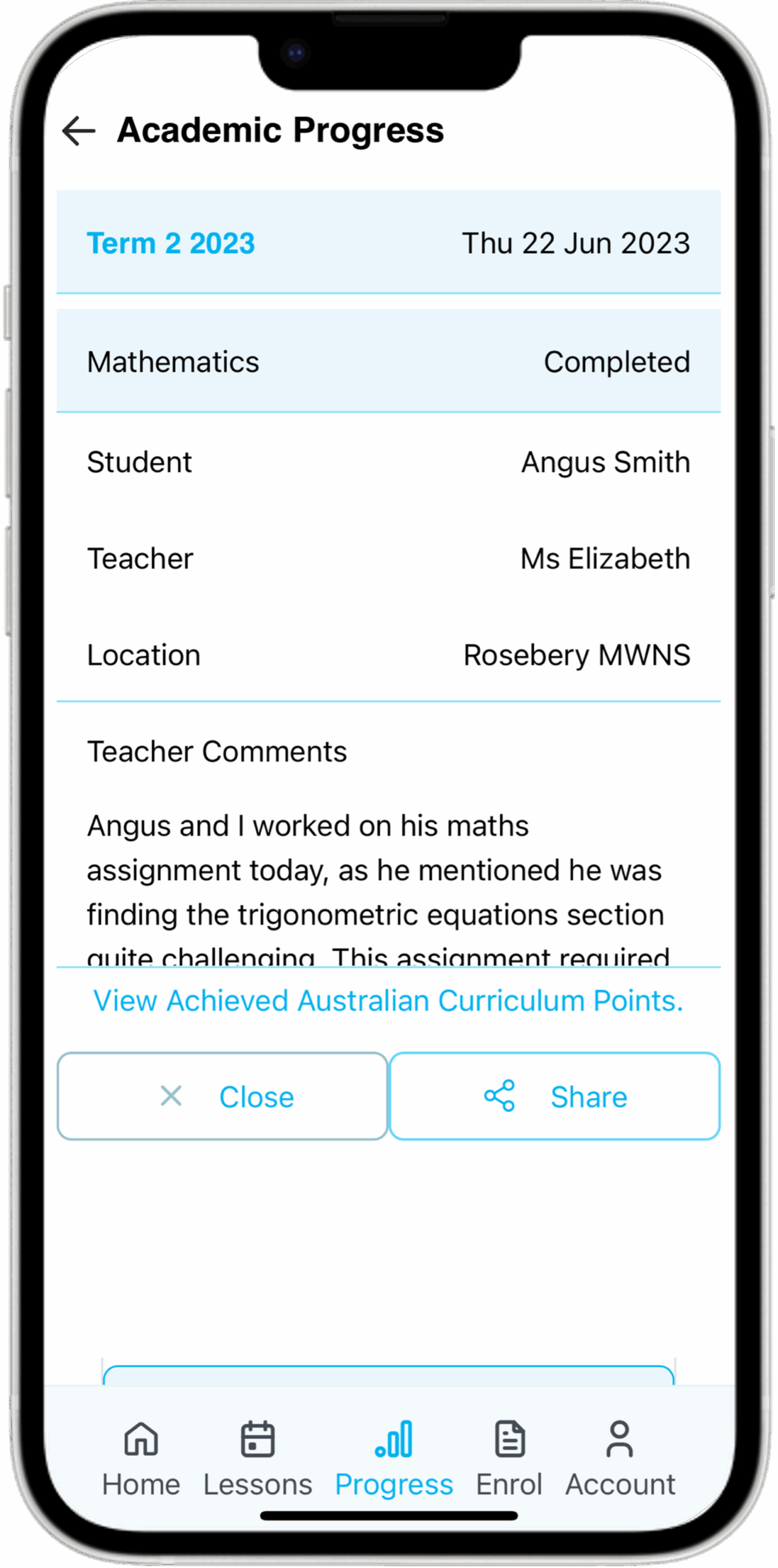
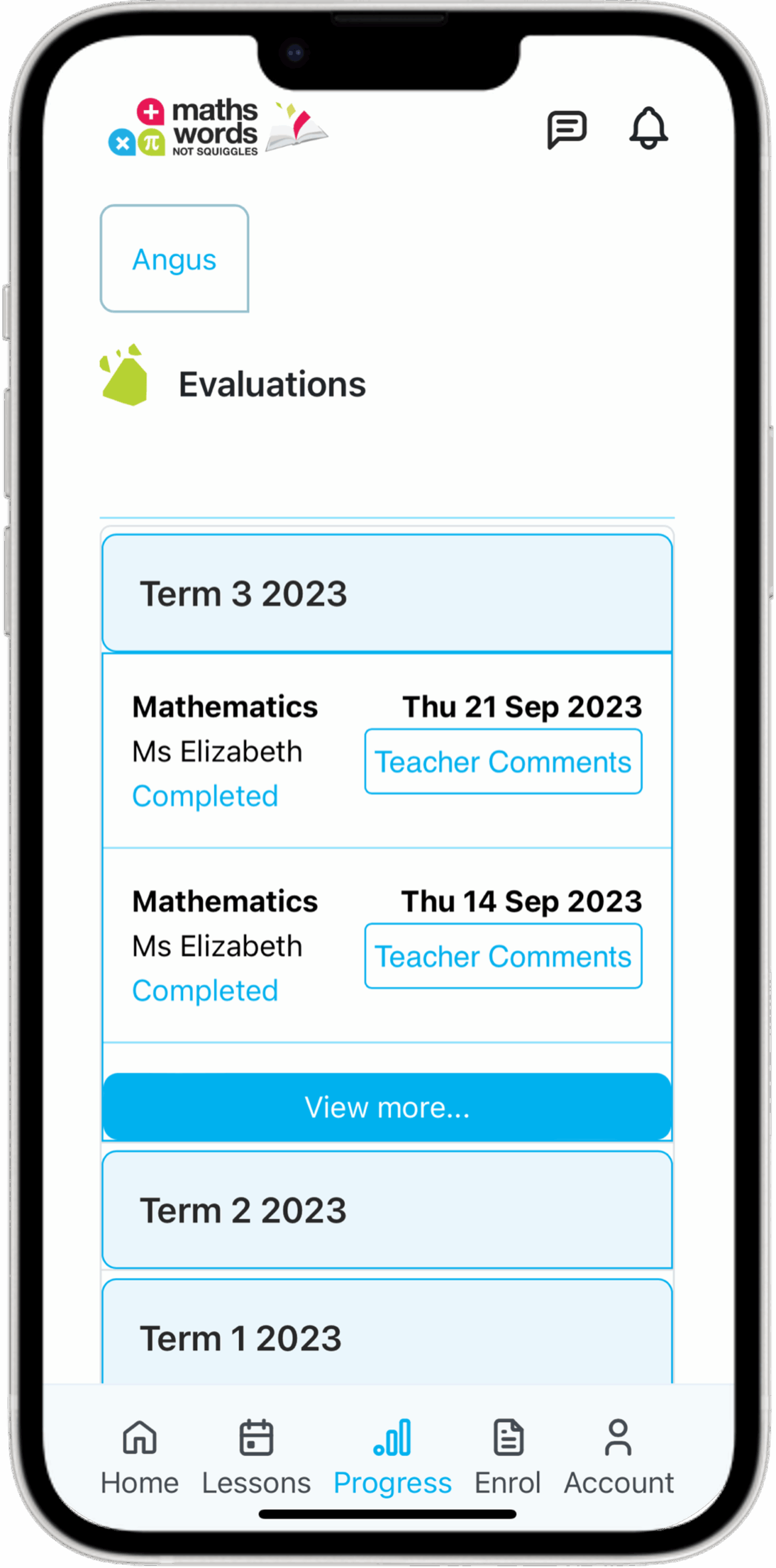
View detailed lesson evaluations written by your child’s tutor. They appear from most recent to oldest.

Read Evaluations

Click ‘Teacher Comments’ to view your child’s evaluation and scroll down to read more.

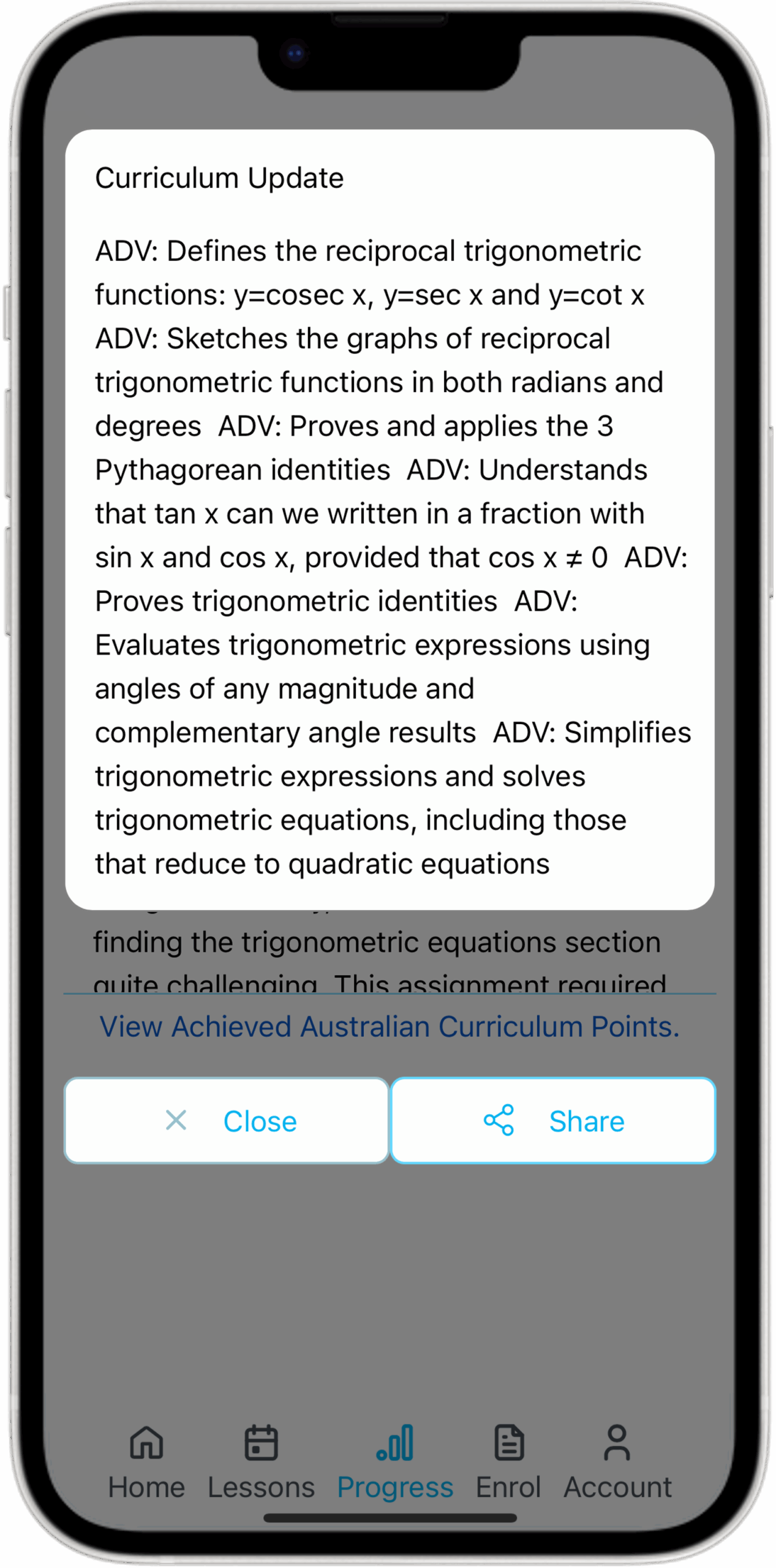
Curriculum Update

All lessons align with the NSW Curriculum. Track progress via the “View Achieved NSW Curriculum Points” button.

MWNS Blue Icon

Enrol

Enrol

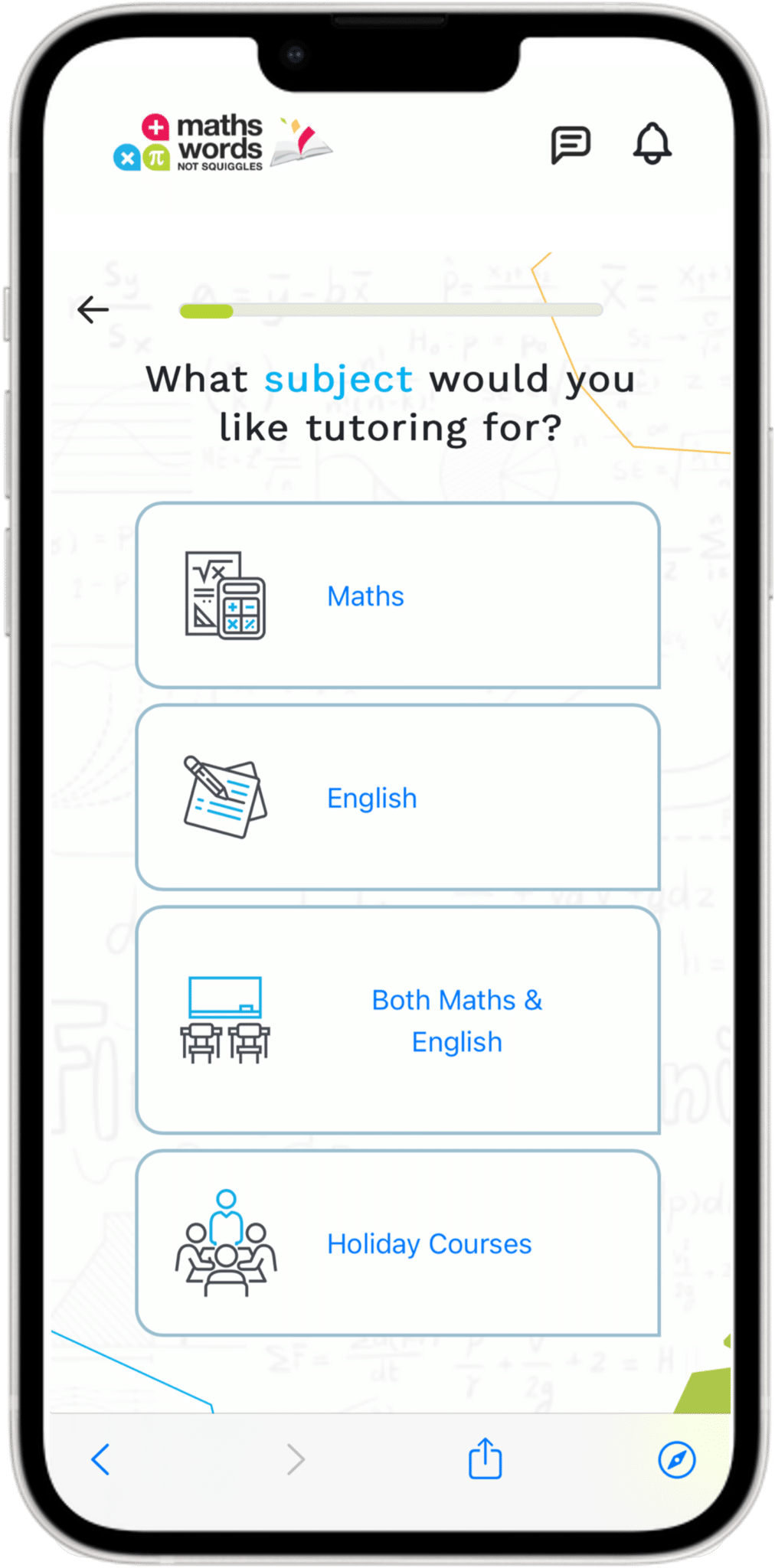
To enrol into additional lessons or a holiday course, click the Enrol button and follow the prompts.
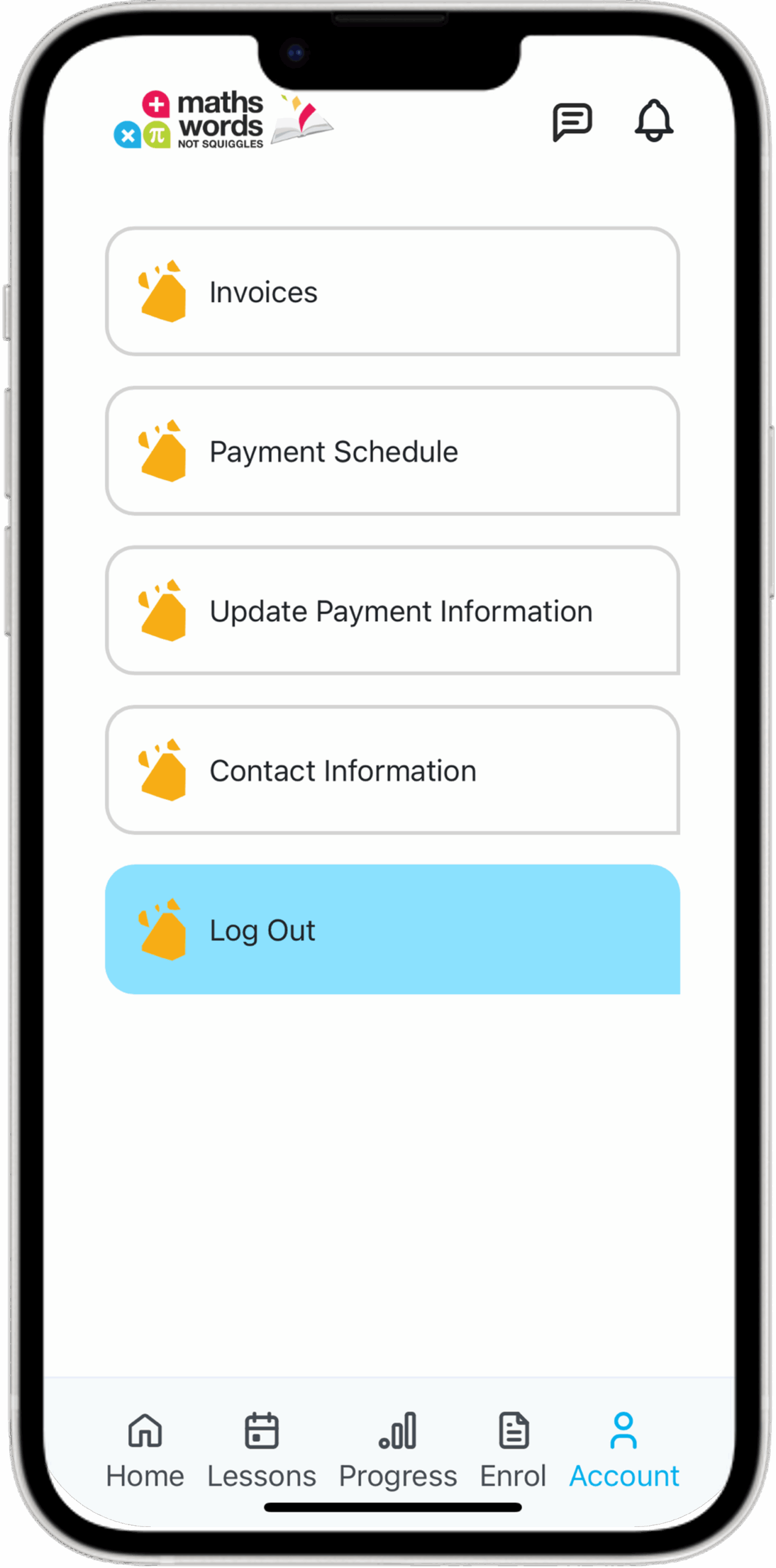
Orange MWNS Icon

Account

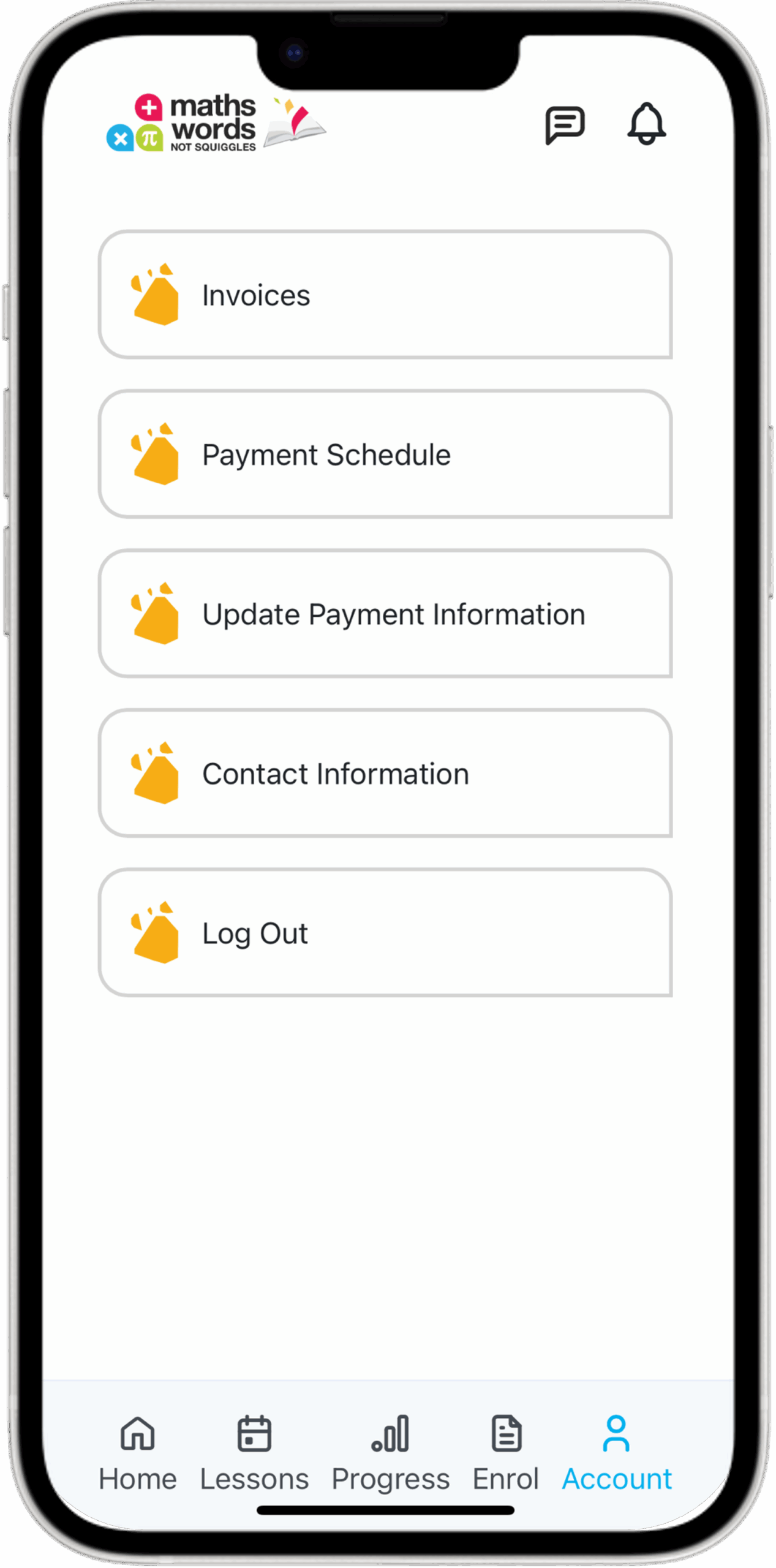
Account Menu

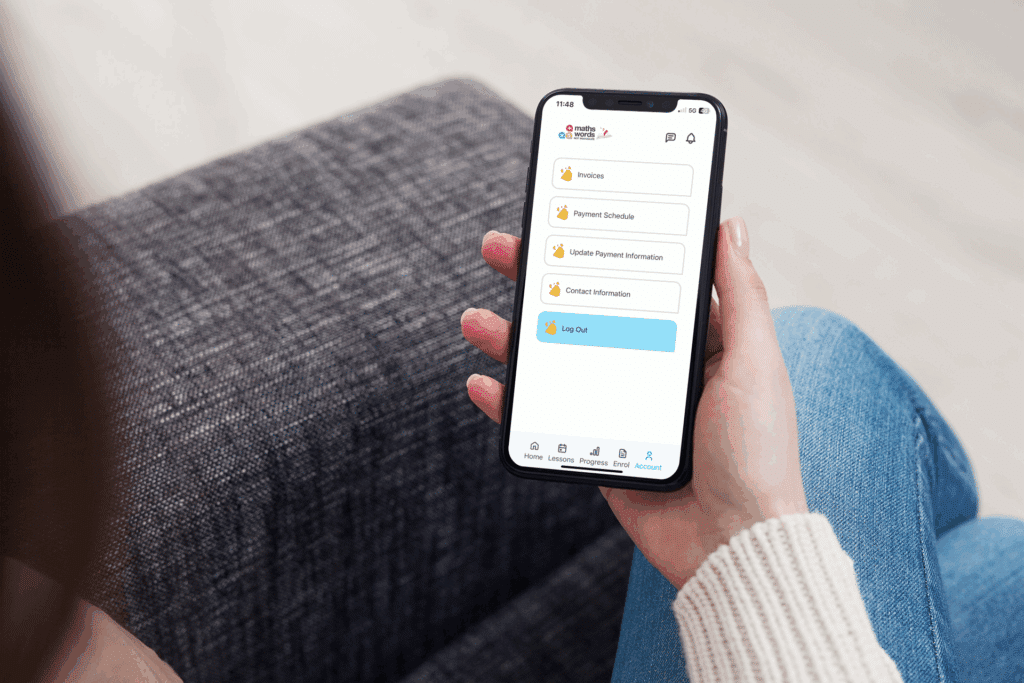
Use the Account tab to view invoices, payment schedules, and update your contact information.

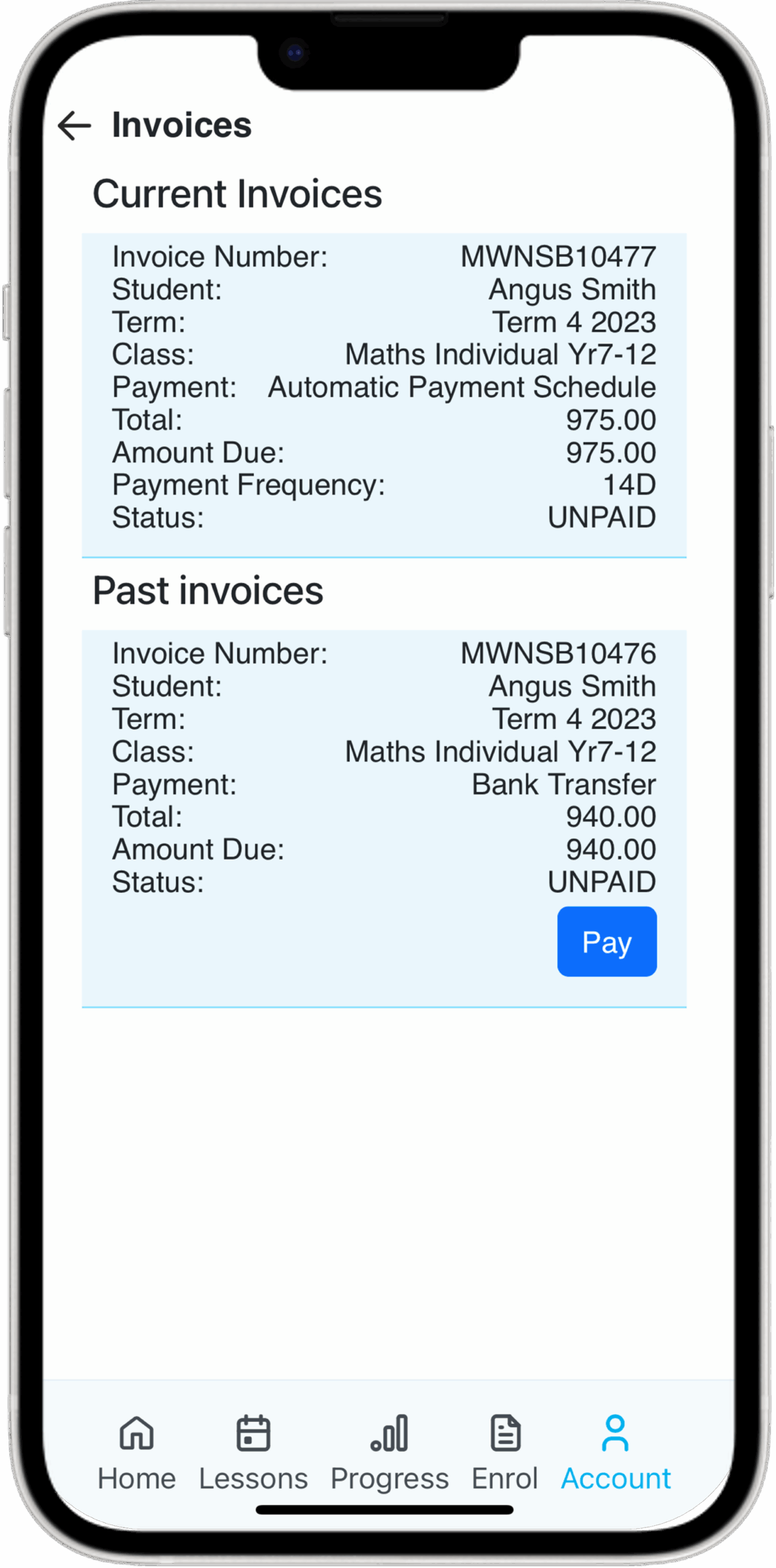
Invoices

View current and past invoices, and pay new ones at your convenience.

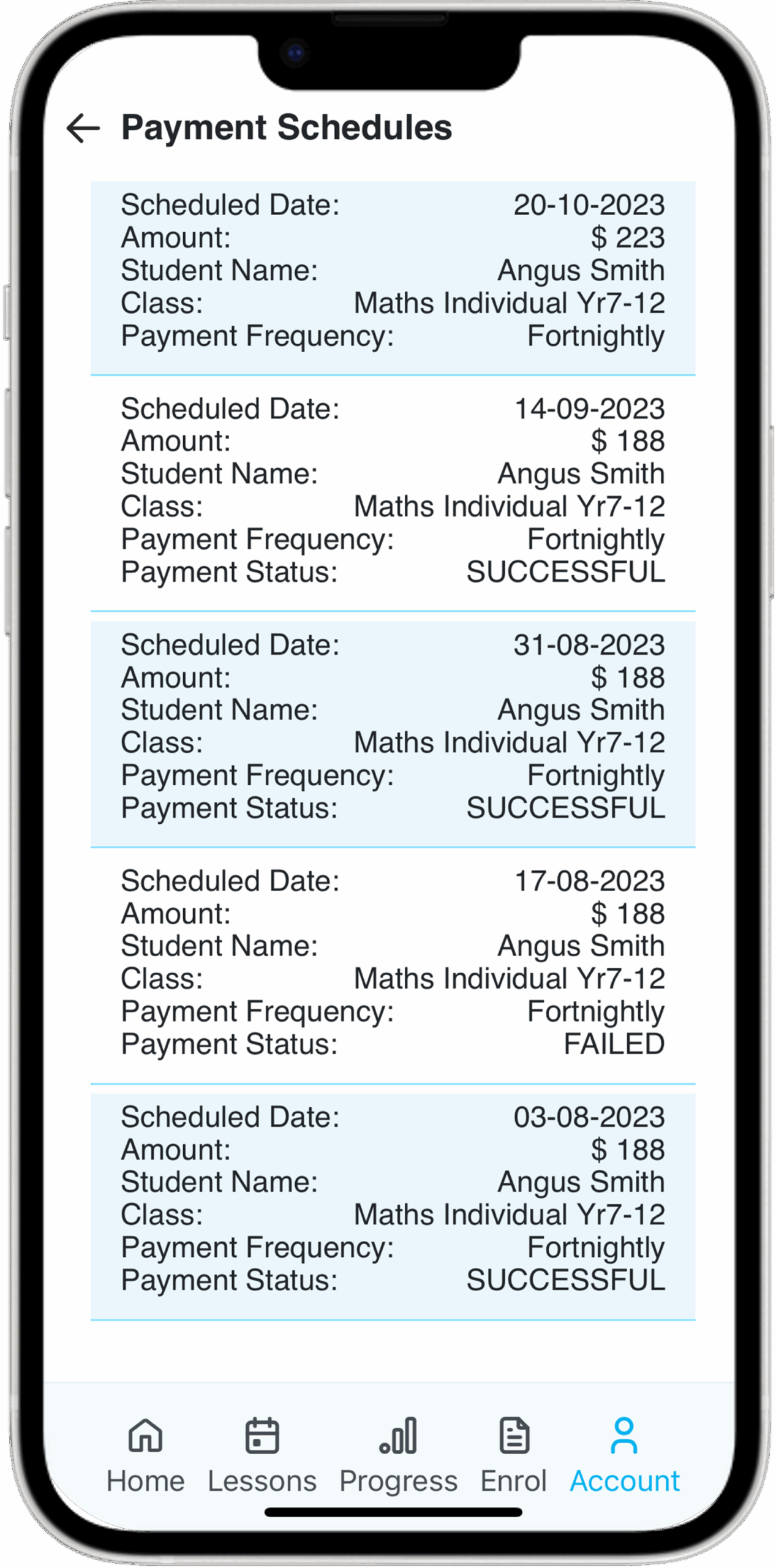
Payment Schedule

Your personal Payment Schedule includes details about class invoices and payment status.

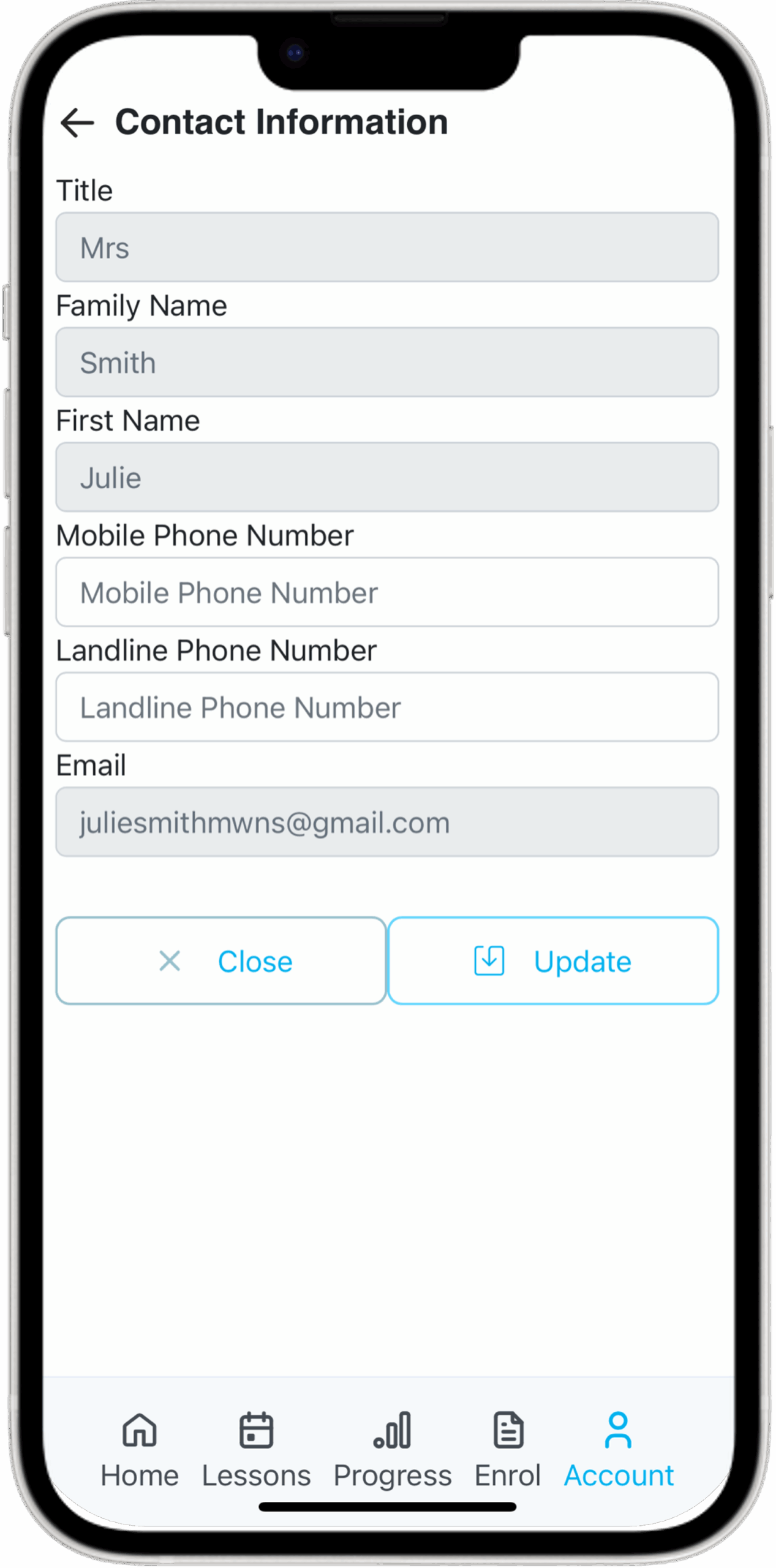
Contact Information

Easily update your Contact Information.

Logout

Click ‘Log Out’ to exit the Parent Portal.

Grey MWNS Icon

Contact Us

Contact Us

Click ‘Contact Us’ to view the phone number, email, and address for each centre.

Download the Parent Portal App

Download the
Parent Portal App

Manage your child’s enrolment anytime, anywhere, with just
a few clicks.

Want to access the Parent Portal on your computer?

Search for: parent.mwns.com.au & bookmark/favourite.

Want to download the Parent Portal App on your phone?

If you have an iPhone: Download App

If you have an Android: Watch this 1-minute video explaining how to save the app (we are still finalising the Android app – thank you for your patience).

Frequently Asked Questions - Parent Portal

The Parent Portal is accessible here: MWNS Parent Portal

Your username is the email you provided us upon enrolment of your child(ren).

Your password was emailed to you upon enrolment. You have the option to change your password once you log in.

Your username is the email you provided us upon enrolment of your child(ren).

If you have forgotten your password, click “Forgot Password” and you will receive an email with instructions on how to reset your password.

Once you log into the Parent Portal, click “Progress” and then “Teacher Comments”. This will show your child’s lesson evaluations. 

You can then select “View Achieved NSW Curriculum Points” to see your child’s progress against with the curriculum. 

The Parent Portal (parent.mwns.com.au) provides you with access to your child’s evaluations, curriculum progress, invoices, rescheduling lessons, and more.

The Student Portal (stage.mwns.com.au) allows students to join their online lessons, upload schoolwork/homework they would like to work on at tutoring as well as viewing document uploads from their tutor.

Yes! You can easily reschedule lessons through the Parent Portal:

  1. Log in and click “Lessons”.
  2. Click the calendar icon to reschedule — either now (within 6 days) or later in the term.
Reschedule Now: View available classes in the next 6 days.
Reschedule Later: The lesson will move to “Lessons to Reschedule,” where you can choose a new time later in the term.

If you have any issues or no sessions are available, please Contact Us and we will be happy to help.

Yes, you can!

Simply:

  1. Log into the Parent Portal
  2. Click “Account”
  3. Click “Invoices”
  4. Click “Pay”
  5. Enter your preferred payment details


If you have any issues or questions, please Contact Us and we will be prompt to assist.

Your Child’s Progress in the Palm of Your Hand

Your Child’s Progress
in the Palm of Your Hand

Log in to the Parent Portal to view detailed lesson feedback, track improvement, and stay engaged in their success.

Three Tutors
MWNS Bubbles